Find the ball
Start in Training. Move toward the landing guide and use rise or descend to meet the ball at the right height.
Fly a rotor across the blue court. Meet the ball with your striking face, add spin, and send it beyond your rival.
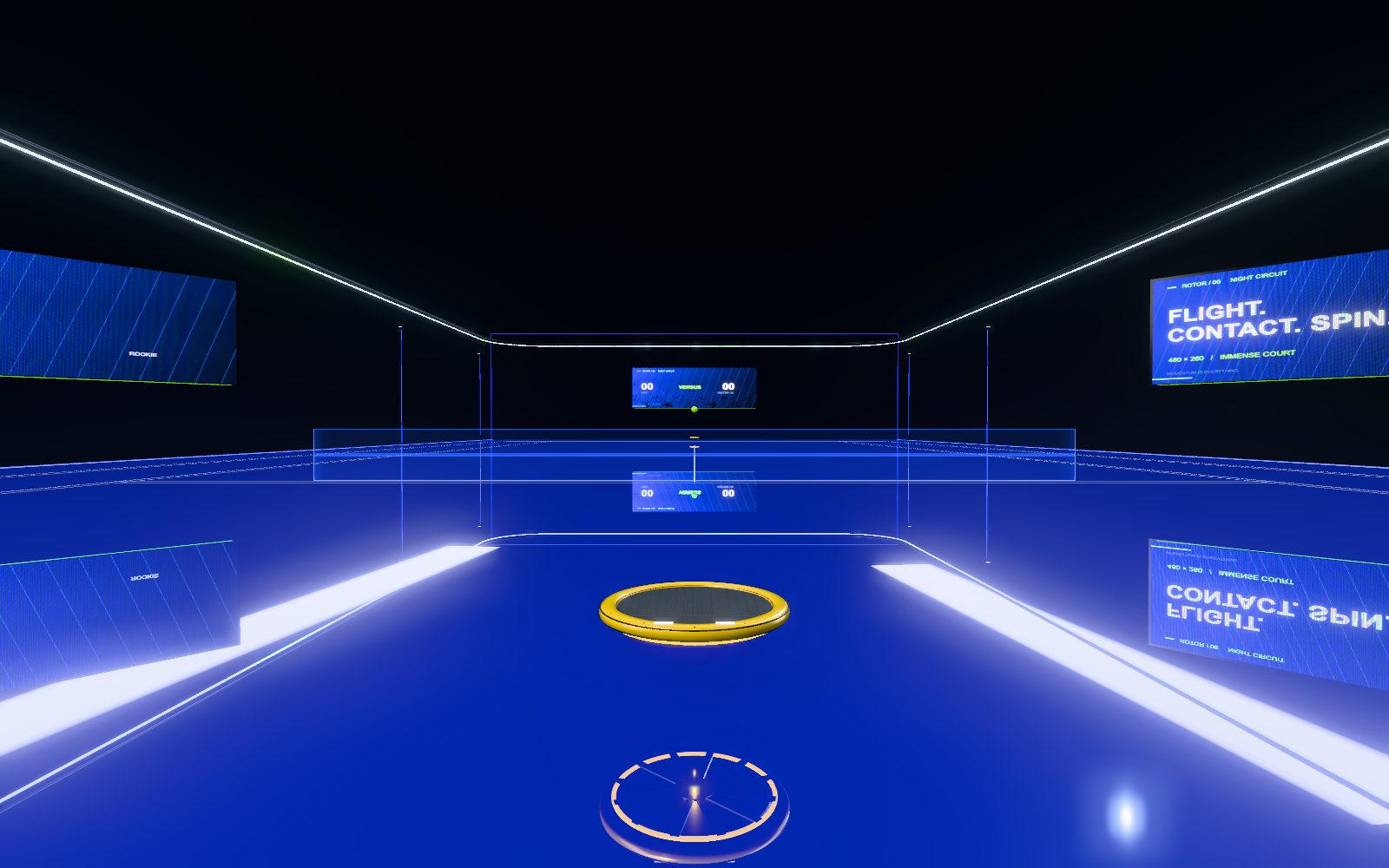
Start in Training. Move toward the landing guide and use rise or descend to meet the ball at the right height.
Aim the rotor face toward the opposite court. Brake to settle your approach, then swing just before contact.
Use topspin or slice to change the return. Swinging is a timed action: release the control before swinging again.
| Action | Keyboard | Standard controller |
|---|---|---|
| Move | W A S D | Right stick |
| Rise / descend | Space / R · C / F | Hold R3 + right stick · A / B |
| Topspin swing | J | Hold RT / R2, release to swing |
| Slice swing | K | Tap X / Square |
| Rotate face pitch / yaw | Arrow keys | Left stick, independent of movement |
| Roll the racket face | Q / E | LB / RB · L1 / R1 |
| Boost | Shift | L3 (left stick press) |
| Air brake | L | LT / L2 |
| Camera | V | Y |
| Pause | Escape | Start |
On a phone, swipe up on the court and release to swing. Swipe down and release for slice. The right touch stick moves the racket; the left rotates its face. Hold the SWING button and release for a timed stroke; tap SLICE for a cut. RISE, DOWN and BOOST remain separate flight controls.
In the courtside menu, use the arrow keys or D-pad to choose a mode. Press Enter or the controller’s confirm button to enter.
Play against VECTOR, the game’s AI rival. First to seven points wins; you must lead by two. Serves start automatically. This is a solo match, not online matchmaking.
An open practice session with a landing guide and no match limit. Learn timing, loft, braking, and spin before entering a duel.
You lose the point on a second bounce, a double touch, a short return, or a first landing outside the silver lines.
Move between the court, equipment view, and scene library. Use the glass controls to choose what comes next. The green launch sphere activates the selected mode.
The Circuit plays game films on the arena display. The version library keeps the earlier courts, galleries, and visual experiments accessible.
Your pilot profile, rating, achievements, and local clip selections are stored in this browser. They do not sync between devices. Clearing browser data removes that local progress. Opening a different website address uses a separate save.
Start with High detail. Ultra and 4K increase rendering resolution and may run more slowly. Keep one game tab active. Keyboard, standard controllers and finger swipes share the same racket and timed stroke. Touch controls appear during play.
ROTOR requires a browser with working WebGL. Reload the page and try a current Safari or Chrome window with graphics acceleration available. You can still read this guide and browse saved artwork if 3D rendering is unavailable.
The current clip collection contains game films and local saved clips. Adding a clip stores it on this device; it does not upload it to a public community feed.
Spline geometry adapted from Reeded liquid glass – Prism hero section concept by Krystian Bieda (@niemabiedy), licensed under CC BY 4.0. The source sphere and abstract geometry have been adapted for ROTOR. The current screens and light instruments use custom smooth optical materials, animated shaders, and game interactions. The archived source package retains the original rib geometry. The original material effects and Spline events were adapted for the game’s renderer.
Rendered with Three.js. Three.js license. The court, gameplay, rotor equipment, audio, and presentation continue the existing ROTOR project.
Practice the flight. Then make the return.
Back to courtside